MQTT
Arrivals Board can subscribe to an MQTT broker and display incoming messages on the board in real time. This makes it an excellent companion for home automation systems like Home Assistant, Node-RED, or any service that can publish to an MQTT topic. Messages arrive the moment they are published, and Arrivals reconnects automatically if the connection drops.
Setup
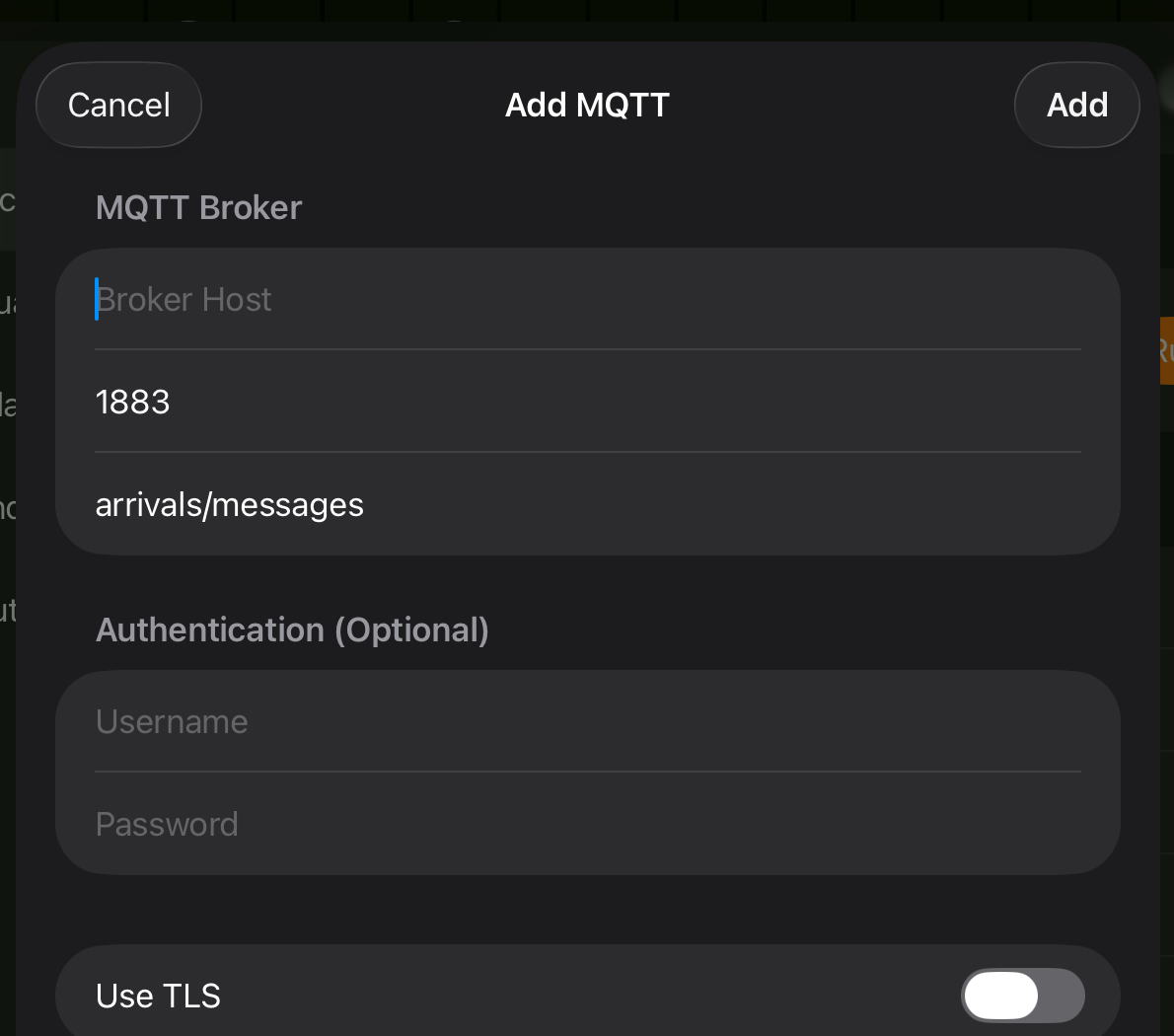
- Open Settings and tap Sources > MQTT.
- Toggle Enable on.
- Enter the Broker Host (e.g.,
192.168.1.50ormqtt.example.com). - Adjust the Port if your broker uses something other than the default
1883. - If your broker requires authentication, enter a Username and Password.
- Set the Topic to subscribe to (default is
arrivals/messages). - Toggle Use TLS on if your broker requires an encrypted connection.
- Tap Connect. Arrivals connects and begins listening for messages.
- Open Settings and navigate to Sources > MQTT.
- Toggle Enable on.
- Enter the Broker Host using the on-screen keyboard.
- Adjust the Port if needed.
- Enter Username and Password if required by your broker.
- Set the Topic (default is
arrivals/messages). - Toggle Use TLS on if needed.
- Select Connect. Arrivals connects and begins listening for messages.
iCloud sync
MQTT configuration syncs via iCloud. Set it up once on iPad and your Apple TV will pick up the same broker settings automatically. Credentials are stored securely in the Keychain.
Configuration reference
| Option | Default | Description |
|---|---|---|
| Broker Host | --- | Hostname or IP address of the MQTT broker |
| Port | 1883 | Port for the MQTT connection |
| Username | --- | Optional username for broker authentication |
| Password | --- | Optional password for broker authentication |
| Topic | arrivals/messages |
The MQTT topic to subscribe to |
| Use TLS | Off | Enable TLS encryption for the connection |
Message payload format
Arrivals accepts two payload formats on the subscribed topic.
JSON payload
Publish a JSON object with any combination of the following fields:
| Field | Type | Required | Description |
|---|---|---|---|
sender |
String | No | The name displayed in the sender column. If omitted, the topic name is used. Supports inline formatting. |
text |
String | Yes | The message text displayed on the board. Supports inline formatting. |
indicatorColor |
String | No | Hex color for the indicator lamp (e.g., "#FF0000" for red) |
priority |
String | No | Controls when the message is displayed. Accepts "queue", "next", or "now". Defaults to "queue". |
urgent |
Boolean | No | Legacy field. When true, equivalent to "priority": "now". |
Example:
{
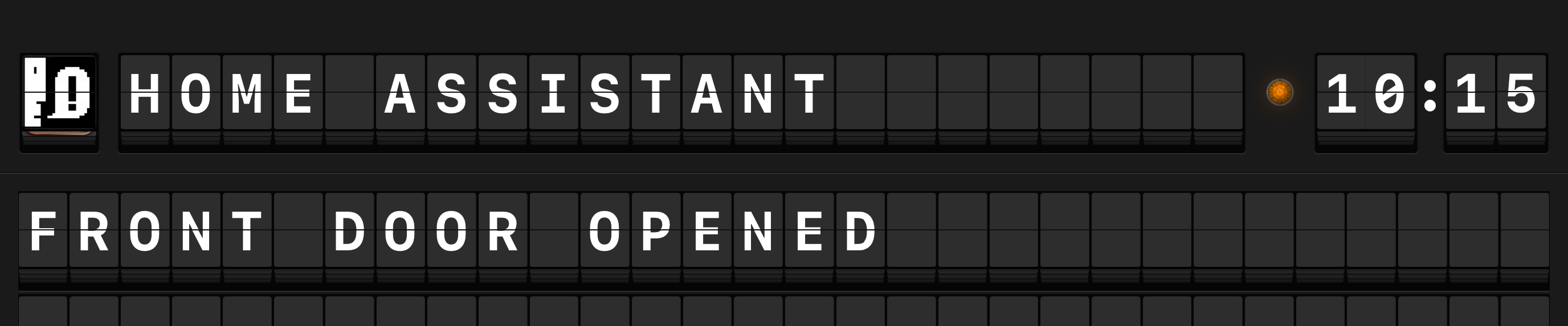
  "sender": "Home Assistant",
  "text": "Front door opened",
  "indicatorColor": "#FF8800",
  "urgent": false
}
Plain text payload
If the payload is not valid JSON, Arrivals treats the entire payload as the message text and uses the MQTT topic name as the sender.
Example: Publishing Garage door closed to the topic arrivals/messages displays a message with sender "arrivals/messages" and text "Garage door closed".
Use JSON for full control
Plain text payloads are convenient for quick tests, but JSON payloads give you control over the sender name, indicator color, and urgency. Use JSON when publishing from automation systems.
Troubleshooting
Connection refused
If Arrivals cannot connect to the broker, check the following:
- The Broker Host and Port are correct.
- The broker is running and reachable from your device's network.
- If using TLS, ensure the broker's certificate is valid and the port matches the TLS listener (often
8883rather than1883). - If authentication is required, verify the Username and Password are correct.
Firewall and network
Your network must allow connections on the configured port. If your broker is on a remote server, ensure the port is not blocked by a firewall. For local brokers, both your device and the broker must be on the same network (or reachable via VPN).
Testing with mosquitto
You can quickly test the MQTT source using the mosquitto_pub command-line tool:
mosquitto_pub -h your-broker -t arrivals/messages \
  -m '{"sender":"Test","text":"Hello from MQTT!"}'
If you do not have a broker yet, Mosquitto is a lightweight, open-source MQTT broker that runs on most platforms.