Arrivals Board Help
Arrivals Board turns your iPad or Apple TV into a beautiful split-flap display -- the kind you see in train stations and airports. Messages from your favorite services flip into view one character at a time, complete with that satisfying mechanical clatter.
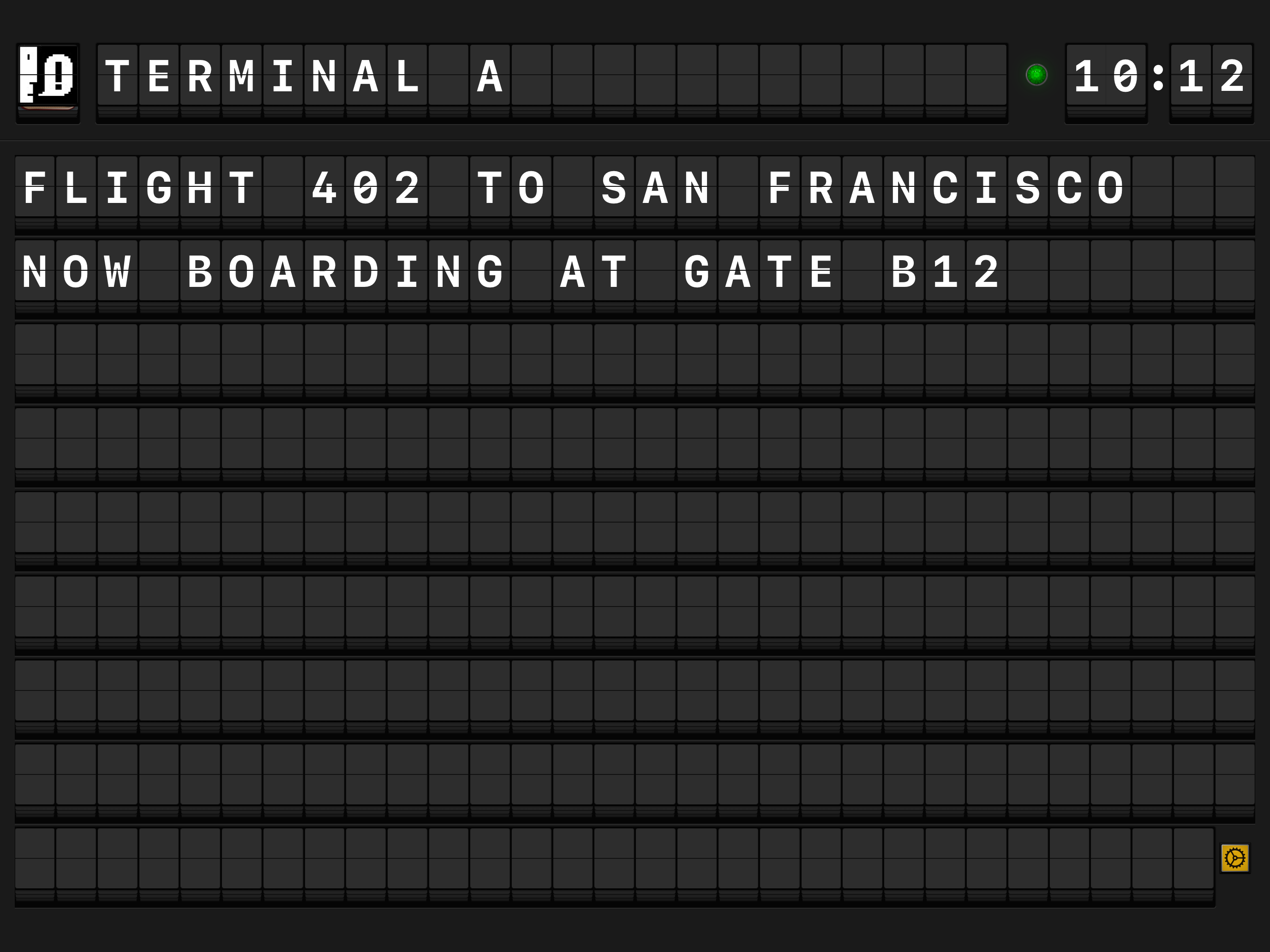
What can Arrivals display?
Arrivals pulls in content from a wide range of sources and shows each message as a row on the board:
| Source | Description |
|---|---|
| Mastodon | Posts from your home timeline or specific accounts |
| Bluesky | Posts from your Bluesky feed |
| Threads | Posts from Threads accounts you follow |
| RSS / Atom | Headlines from any RSS or Atom feed |
| MQTT | Messages from an MQTT broker (great for home automation) |
| Calendar | Upcoming events from your calendars |
| Weather | Current conditions and forecasts for your location |
| Push Notifications | Messages sent via push notifications |
| HTTP API | Messages posted to the built-in API |
| Manual Input | Your own custom messages, typed directly into the board |
Quick links
-
Set up Arrivals on your iPad or Apple TV in minutes.
-
Connect Mastodon, Bluesky, RSS, MQTT, and more.
-
Customize the display, sound, and behavior.
-
Control Arrivals with Siri Shortcuts, URL schemes, and the API.
-
Tips and features specific to the big screen.
-
Solutions for common issues.
What you'll find here
- Getting Started -- Launch walkthrough for iPad and Apple TV, including adding your first source.
- The Board -- How the display works: the header, clock, message rows, and navigation.
- Message Sources -- Setup guides for each of the ten supported sources.
- Settings -- Colors, fonts, flip speed, sound, and screen behavior.
- Automation -- Siri Shortcuts, URL schemes, and the API.
- Apple TV -- Remote control tips, QR code sign-in, and display rotation.
- Use Cases -- Ideas for ambient displays, office dashboards, and home automation setups.
- Troubleshooting -- Fixes for common problems.
New to Arrivals?
Head to Getting Started for a quick walkthrough that will have your board flipping in under five minutes.