Mastodon
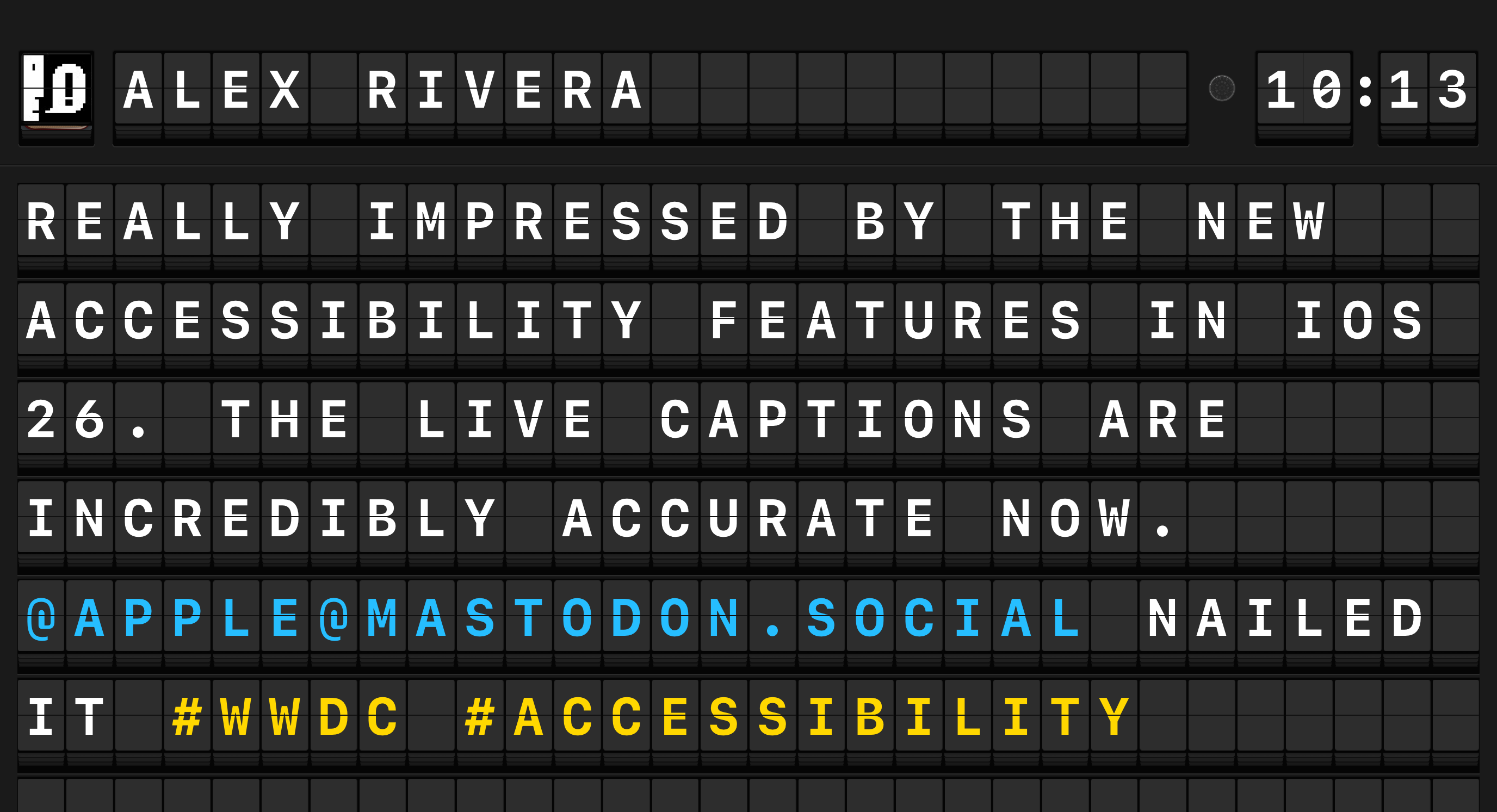
Arrivals Board connects to any Mastodon-compatible instance to display posts from your home timeline on the board. New posts appear in near real time, so your board stays up to date as your timeline moves.
Setup
- Open Settings and tap Sources > Mastodon.
- Toggle Enable on.
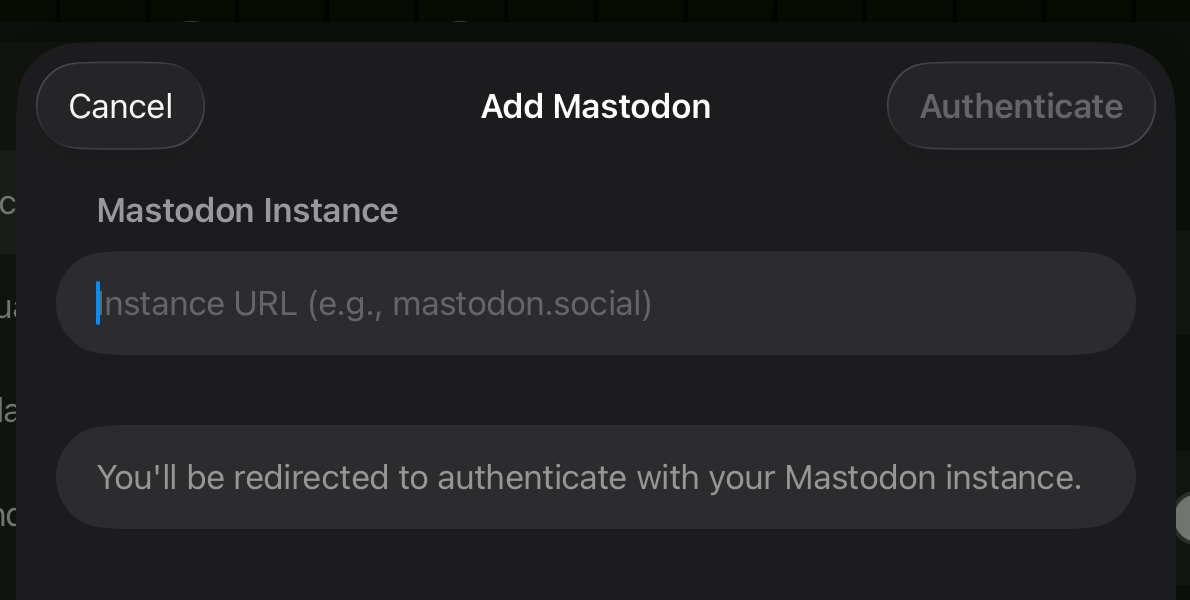
- Enter your Instance URL (e.g.,
mastodon.socialorhachyderm.io). - Tap Sign In. A browser window opens to your instance's authorization page.
- Authorize Arrivals. You will be redirected back to the app.
- Posts from your home timeline begin appearing on the board.
- Open Settings and navigate to Sources > Mastodon.
- Toggle Enable on.
- Enter your Instance URL using the on-screen keyboard.
- Select Sign In. A QR code appears on screen.
- Scan the QR code with your iPhone or iPad to open the authorization page in a browser.
- Authorize Arrivals in the browser. The Apple TV detects the authorization automatically.
- Posts from your home timeline begin appearing on the board.
QR code authentication
The QR code flow on Apple TV is handled by the Local Server. The local server must be running for QR authentication to work. See Apple TV > QR Authentication for details.
Configuration reference
| Option | Default | Description |
|---|---|---|
| Instance URL | --- | The hostname of your Mastodon-compatible instance |
| Show Replies | On | Include reply posts in your timeline |
| Show Boosts | On | Include boosted (reblogged) posts |
| Only From This Account | Off | When enabled, only displays posts you authored, filtering out the rest of the home timeline |
| Initial Messages | 5 | Number of recent posts to load on first connect (1--50) |
| Sender Name Format | Display Name | Choose between Display Name (e.g., "Mark Boszko") or Username (e.g., "@swizzlevixen@social.lol") |
| Link Handler | Browser | Which app opens when you tap links, profiles, and hashtags. Options: Browser, Ice Cubes, Ivory, Mona |
| Show Image Descriptions | On | Display alt text for attached images |
| Describe Links | On | Replace raw URLs with page title descriptions |
Features
Custom emoji
Mastodon instances support custom emoji (e.g., :blobcat:). Arrivals displays these inline on the board where the character set supports it. In classic character mode, custom emoji names are shown as text.
Reply context
When a post is a reply, a small reply glyph appears just before the message body. Mastodon already inserts the parent account's @handle at the start of reply text, so Arrivals avoids duplicating it and shows only the glyph — the @handle in the body remains tappable and opens that user's profile.
Replies to posts whose author has been deleted, suspended, or blocked render without the glyph. Self-replies (threading your own posts) also render without the glyph, since "in reply to @me" would be redundant.
If you do not want reply posts on your board at all, turn off Show Replies in the configuration above.
Boosts
When someone you follow boosts a post, Arrivals shows the boost on the board with the booster's name and avatar as the sender — this way you see who brought the post to your timeline. The first line of the message body shows a boost glyph followed by the original author's handle, so it's clear whose words these are. Tapping that handle opens the original author's profile.
If you'd rather not see boosts on your board at all, turn off Show Boosts in the configuration above.
Quote posts
Mastodon 4.4 and later supports native quote posts with consent-based approval. When a post quotes another post, Arrivals appends the quoted content to the message body. The quoted author's handle appears alongside a quote glyph on its own line, followed by the quoted post's text and any image descriptions. Tapping the handle opens the quoted author's profile.
Quote posts that are pending approval, have been rejected or revoked, or are otherwise unavailable render without the quote block --- the user's own text still appears on its own. Quote posts that also attach their own images show both: the top-level images first, then the quote block.
Older instances
Instances running Mastodon 4.3 or earlier don't send native quote data, so Arrivals falls back to showing the post as written. If an instance inserts a fallback "RE:" link for compatibility, Arrivals filters it out when the native quote is also present.
Link handlers
On iPad, tapping a link, profile, or hashtag opens it in your chosen app. The Link Handler setting lets you pick which Mastodon client handles these taps:
| Handler | Behavior |
|---|---|
| Browser | Opens in your default browser (or via Universal Links) |
| Ice Cubes | Opens in Ice Cubes by Thomas Ricouard |
| Ivory | Opens in Ivory by Tapbots |
| Mona | Opens in Mona by Junyu Kuang |
Tip
If the selected app is not installed, the link falls back to your default browser.
Fediverse compatibility
Arrivals works with any server that supports the Mastodon app interface, including Pleroma, Akkoma, GoToSocial, Hometown, and others. Setup is identical --- just enter your instance URL and sign in.
Troubleshooting
Connection issues
If Mastodon posts stop appearing, check the following:
- Instance URL is correct and the instance is online.
- Your account is still authorized. Some instances revoke access after extended inactivity. Sign out and sign back in to fix this.
- Your network allows outbound connections to your instance.