Bluesky
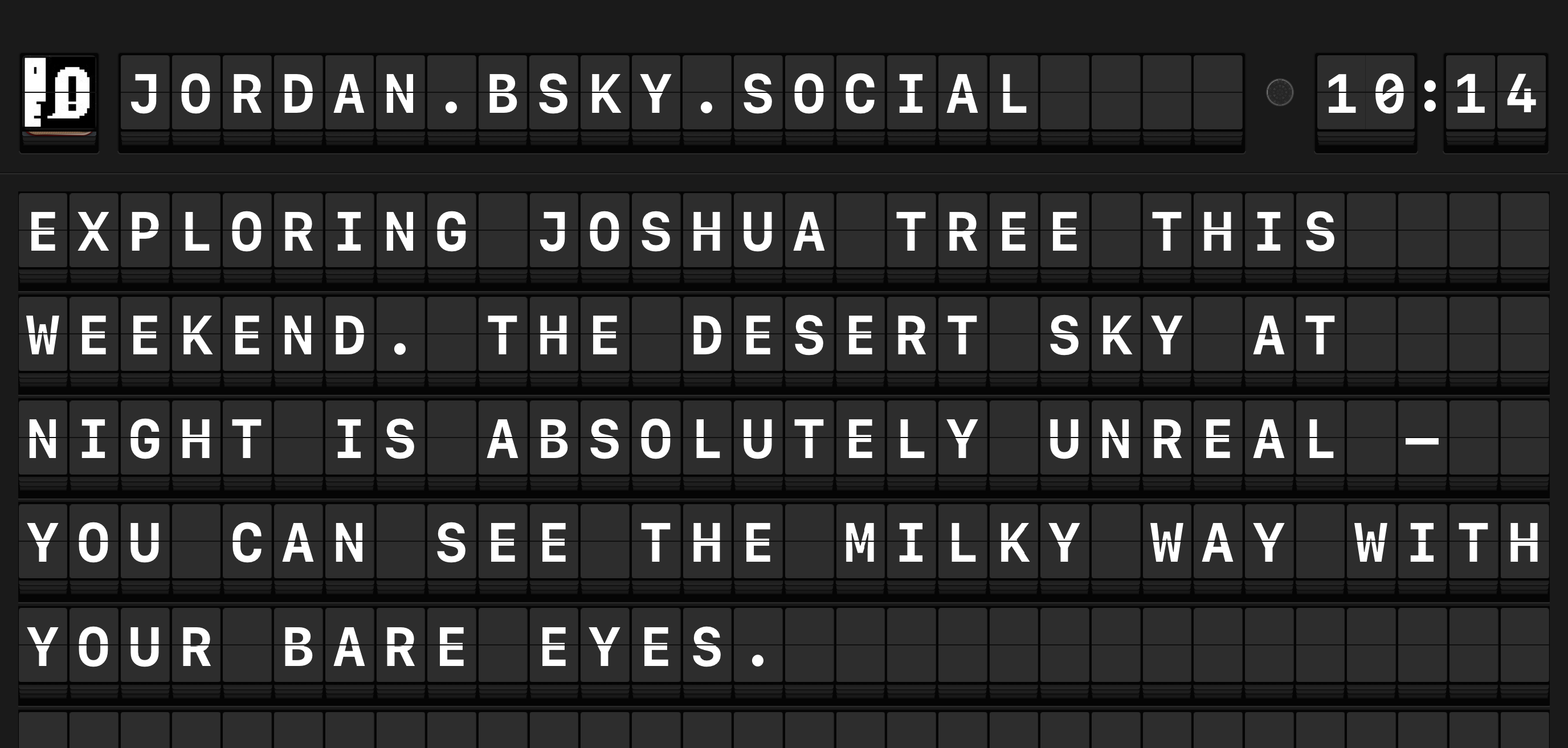
Arrivals Board connects to Bluesky to display posts from your feed on the board. New posts are fetched automatically so your board stays current.
Setup
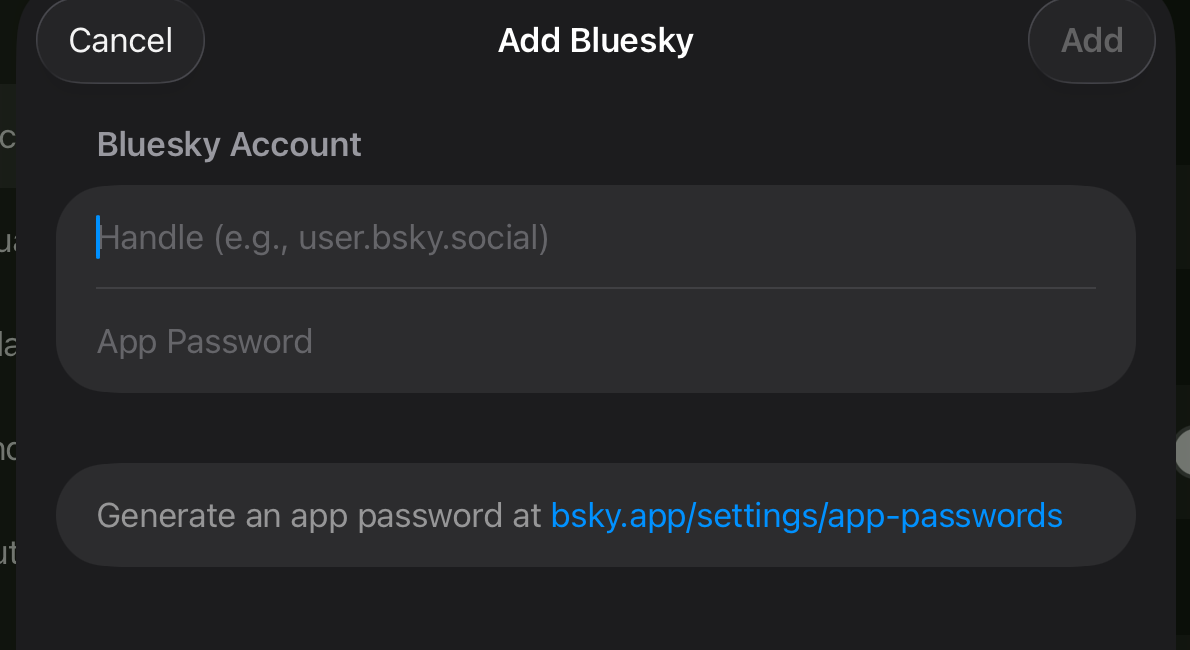
Bluesky uses App Passwords for sign-in. You will need to generate one before connecting.
Generate an App Password
- Open bsky.app in a browser and sign in.
- Go to Settings > App Passwords.
- Tap Add App Password.
- Give it a name (e.g., "Arrivals") and tap Create.
- Copy the generated password. You will not be able to see it again.
Do not use your main password
Always use an App Password, never your account password. App Passwords can be revoked individually without affecting your main login.
Connect to Arrivals
- Open Settings and tap Sources > Bluesky.
- Toggle Enable on.
- Enter your Handle (e.g.,
yourname.bsky.social). - Paste the App Password you generated above.
- Tap Sign In. Arrivals connects and begins fetching your feed.
- Open Settings and navigate to Sources > Bluesky.
- Toggle Enable on.
- Enter your Handle using the on-screen keyboard.
- Enter the App Password. Because this is a long random string, we recommend using the Apple TV keyboard dictation feature or pairing a Bluetooth keyboard.
- Select Sign In. Arrivals connects and begins fetching your feed.
Configuration reference
| Option | Default | Description |
|---|---|---|
| Handle | --- | Your Bluesky handle (e.g., yourname.bsky.social or a custom domain) |
| App Password | --- | An App Password generated from your Bluesky account settings |
| Show Replies | On | Include reply posts in your timeline |
| Only From This Account | Off | When enabled, only shows posts you authored, filtering out the rest of your feed |
| Initial Messages | 5 | Number of recent posts to load on first connect (1--50) |
| Sender Name Format | Display Name | Choose between Display Name (e.g., "Mark Boszko") or Username (e.g., "@mark.bsky.social") |
| Show Image Descriptions | On | Display alt text for attached images |
| Describe Links | On | Replace raw URLs with page title descriptions |
Features
Mention and hashtag display
Mentions (@user.bsky.social) and hashtags (#topic) are displayed as part of the message on the board.
Reply context
When a post is a reply, the first line of the message body shows a reply glyph and the handle of the post being replied to. Default-domain accounts are shortened (@swizzlevixen instead of @swizzlevixen.bsky.social); custom-domain handles are shown in full. Tapping the handle opens that user's Bluesky profile.
Replies to posts that have been deleted or are from blocked accounts render without the prefix. Self-replies (threading your own posts) also render without the prefix, since "in reply to @me" would be redundant.
If you do not want reply posts on your board at all, turn off Show Replies in the configuration above.
Reposts
When someone you follow reposts a post, Arrivals shows the repost on the board with the reposter's name and avatar as the sender — this way you see who brought the post to your timeline. The first line of the message body shows a repost glyph followed by the original author's handle. Default-domain accounts are shortened (@alice instead of @alice.bsky.social); custom-domain handles are shown in full. Tapping the handle opens the original author's profile.
Quote posts
When a post quotes another post, Arrivals appends the quoted content to the message body. The quoted author's handle appears alongside a quote glyph on its own line, followed by the quoted post's text and any image descriptions. Tapping the handle opens the quoted author's Bluesky profile.
Quotes of posts that have been deleted, are from blocked accounts, or have been detached by their author render without the quote block — the user's own text still appears on its own. Quote posts that also attach their own images show both: the top-level images first, then the quote block.
Troubleshooting
Custom domains
If you use a custom domain as your Bluesky handle (e.g., @example.com), enter the full domain in the Handle field. Arrivals resolves it automatically.
Revoking access
To disconnect Arrivals from Bluesky, you can either disable the source in Arrivals settings or revoke the App Password at bsky.app under Settings > App Passwords. Revoking the App Password immediately stops Arrivals from accessing your feed.